
The Best Desk Setup for Better Posture, Focus, and Energy

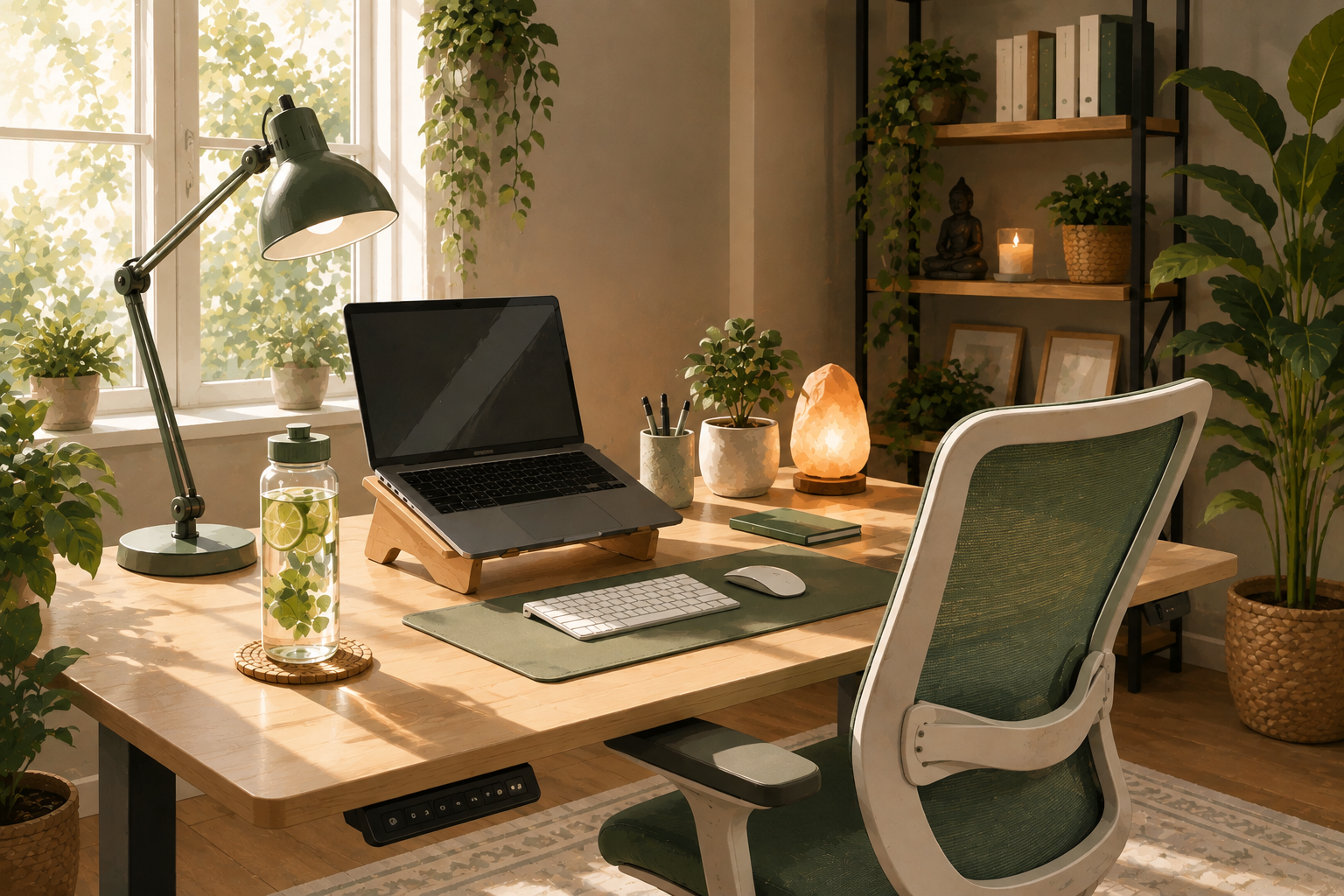
The way your desk is set up can affect far more than your comfort. Posture, focus, and even your energy levels throughout the day are all closely connected to how you sit and work.
Many people don’t think about their desk setup until they start noticing aches, tiredness, or trouble concentrating. In my own practice, I see this often with patients who work desk jobs. In reality, small adjustments to your workspace can make a noticeable difference in how you feel by the end of the day.
You don’t need an expensive office overhaul to improve your setup. A few thoughtful changes can help your desk support your body and focus instead of working against them.
Medical Disclaimer
This article is provided for general educational and informational purposes only and does not constitute medical advice, diagnosis, or treatment. While the content is written with input from a licensed healthcare professional, reading this article does not create a nurse-patient, provider-patient, or any other professional relationship between you and the author or Vida Atlas.
The information here is general in nature and is not a substitute for personalized medical advice from your own doctor or qualified healthcare provider, who can take your full medical history and individual circumstances into account. Always consult your doctor or another qualified healthcare provider with any questions you may have regarding a medical condition, and never disregard professional medical advice or delay seeking it because of something you read on this site.
If you think you may have a medical emergency, call your local emergency number or go to the nearest emergency room immediately. Do not rely on this article for urgent or emergency medical situations.
Vida Atlas and the author make no representations or warranties about the accuracy, completeness, or timeliness of the information provided, and disclaim liability for any actions taken or not taken based on the content of this article.
Key Takeaways
- Your desk setup can directly affect posture, energy, and focus throughout the day.
- Small ergonomic adjustments often make a bigger difference than expensive equipment.
- A supportive setup reduces strain, making it easier to stay comfortable during long work hours.
- The right tools work best when paired with good habits, like taking breaks and moving regularly.
- Start with one adjustment and build a better setup gradually over time.
Why Your Desk Setup Affects More Than Just Comfort?
If you spend hours at a desk each day, small details in your setup add up quickly. Poor posture, awkward screen height, or an uncomfortable chair can lead to tension that builds throughout the day. This tension doesn’t just affect your body. Physical discomfort can make it harder to concentrate, leaving you feeling more tired and less focused by the afternoon.
The good news is that a better desk setup doesn’t require a complete office redesign. From what I’ve seen with patients who’ve made these changes, a few targeted adjustments can help reduce strain, improve focus, and leave you with more energy at the end of the day.
1. Position Your Monitor at Eye Level
A monitor that’s too low or too high can strain your neck over time. Adjusting your screen so the top sits roughly at eye level helps keep your posture more natural throughout the day.
2. Keep Your Feet Flat on the Floor
Sitting with your feet flat, or supported by a footrest, helps keep your posture balanced and reduces strain on your lower back and legs.
3. Take Short Breaks to Move
Sitting for long stretches without moving can lead to stiffness and reduced focus. Standing up, stretching, or walking briefly every hour can help maintain both comfort and energy.
4. Adjust Your Chair Height Properly
Your chair height affects your entire posture. Adjust it so your knees are roughly level with your hips and your arms rest comfortably at your keyboard.
5. Reduce Glare and Improve Lighting
Poor lighting can cause eye strain and headaches, making it harder to stay focused. Position your screen to reduce glare and add supplemental lighting if your workspace feels dim.
6. Keep Frequently Used Items Within Reach
Reaching or twisting repeatedly for items you use often can add unnecessary strain over time. Keep essentials like your phone, notebook, or water bottle close to reduce awkward movements.
7. Use a Keyboard and Mouse That Fit Your Hands
An uncomfortable keyboard or mouse can contribute to wrist and hand strain over time. Choose options that feel natural and don’t require you to bend your wrists awkwardly.
8. Alternate Between Sitting and Standing
If possible, alternate between sitting and standing throughout the day. This simple change can reduce the strain of staying in one position for too long.
9. Declutter Your Workspace
A cluttered desk can make it harder to focus and increase feelings of stress. Keeping your workspace simple and organized can help support better concentration.
Products That Can Improve Your Desk Setup
You don’t need to redesign your entire office to improve your desk setup. Still, a few practical products can help reduce strain and support better posture throughout the day. Instead of buying everything at once, think about which part of your current setup causes the most discomfort, and start there.
Standing Desks
A standing desk allows you to switch between sitting and standing throughout the day, which can help reduce the strain of staying in one position too long. Adjustable height models make it easy to customize your setup for both sitting and standing, giving you more flexibility throughout the workday.
Monitor Stands
A monitor stand raises your screen to a more comfortable eye level, helping to reduce neck strain from looking down for long periods. Look for an adjustable stand if you switch between sitting and standing, so your screen height stays comfortable no matter your position.
Ergonomic Keyboards
An ergonomic keyboard is designed to reduce strain on your wrists and hands during long periods of typing. Look for a design that keeps your wrists in a more natural position, especially if you spend several hours typing each day.
Footrests
A footrest can help support proper posture, especially if your chair or desk height doesn’t allow your feet to rest flat on the floor. Choose one that’s stable and comfortable, and adjust it so your knees stay roughly level with your hips while seated.
Office Chairs
A supportive office chair is one of the most important parts of a healthy desk setup, especially if you sit for long periods each day. Look for adjustable height, proper lumbar support, and comfortable material. A chair that fits your body well can make a significant difference in daily comfort.
Common Mistakes to Avoid
Ignoring Small Aches Until They Become a Problem
It’s easy to dismiss minor discomfort as normal, especially when you’re focused on work, but small aches are often early signs that something in your setup needs adjusting. Addressing them early can prevent bigger issues later.
Copying Someone Else’s Setup Exactly
What works well for one person’s body and workspace may not work for yours. Use general guidelines as a starting point instead, but adjust your setup based on what actually feels comfortable for your body.
Focusing Only on Equipment, Not Habits
Even the best equipment can’t fully offset sitting still for hours without moving, so pair a good setup with regular breaks and movement throughout the day for the best results.
Making Too Many Changes at Once
Adjusting your chair, monitor, keyboard, and desk height all at the same time can make it hard to tell what’s actually helping. Make one change at a time instead, so you can notice what makes the biggest difference for your comfort and focus.
Try This This Week
Instead of redesigning your entire workspace at once, choose just one small adjustment to focus on this week. You could:
- Adjust your monitor so the top of the screen is at eye level.
- Set a reminder to stand up and stretch every hour.
- Adjust your chair height so your feet rest flat on the floor.
- Clear clutter from your desk to create a simpler workspace.
- Reposition your screen to reduce glare from windows or lighting.
At the end of the week, ask yourself one simple question:
Do I feel more comfortable and focused at my desk?
If the answer is yes, you’ve found a change worth keeping.
FAQ:
Not necessarily. A properly adjusted chair and monitor can also make a big difference, though a standing desk offers more flexibility.
A short break to stand, stretch, or walk every hour is a reasonable guideline for most people.
Start with whatever causes you the most discomfort, whether that’s your chair, monitor height, or keyboard position.
They can be helpful, especially if you type for long periods and notice wrist or hand discomfort with a standard keyboard.
Yes. Reducing physical discomfort makes it easier to concentrate, since your body isn’t distracting you with tension or strain.
Final Thoughts
A better desk setup doesn’t require an expensive office overhaul. In most cases, small ergonomic adjustments make the biggest difference in posture, focus, and energy. Instead of trying to fix everything at once, start with the change that addresses your biggest source of discomfort.
As small improvements add up, working at your desk can start to feel far more comfortable. In my experience with patients, the goal isn’t a perfect setup. It’s creating a workspace that supports your body and helps you feel your best throughout the day.