
Digital Habits That Can Help Reduce Eye Strain and Screen Fatigue

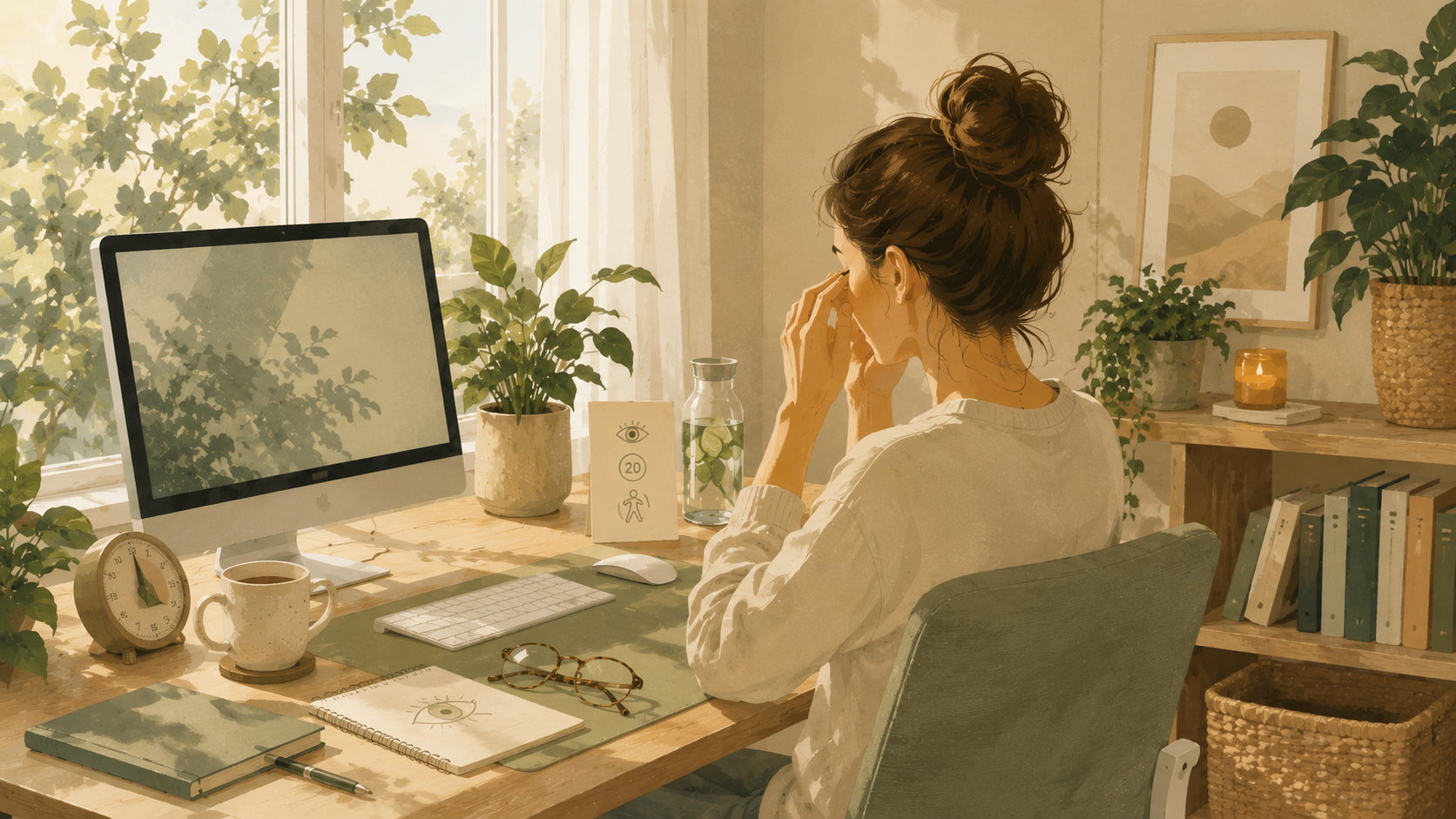
Screens are part of almost everything we do now. We use them to work, learn, relax, and stay in touch with the people we love. It’s no surprise that by the end of the day, your eyes might feel tired, dry, or achy without you even realizing why.
Many people assume eye strain is just something you have to live with if you work on a computer or scroll on your phone every day. But in most cases, it’s not screen time itself that causes the problem. It’s the small habits around how you use your screens.
The good news is that you don’t need to give up your devices to feel better. In my own routine, and with patients who spend long hours at a desk, a few simple digital habits, combined with the right setup, can make a noticeable difference in how your eyes feel by the end of the day.
Medical Disclaimer
This article is provided for general educational and informational purposes only and does not constitute medical advice, diagnosis, or treatment. While the content is written with input from a licensed healthcare professional, reading this article does not create a nurse-patient, provider-patient, or any other professional relationship between you and the author or Vida Atlas.
The information here is general in nature and is not a substitute for personalized medical advice from your own doctor or qualified healthcare provider, who can take your full medical history and individual circumstances into account. Always consult your doctor or another qualified healthcare provider with any questions you may have regarding a medical condition, and never disregard professional medical advice or delay seeking it because of something you read on this site.
If you think you may have a medical emergency, call your local emergency number or go to the nearest emergency room immediately. Do not rely on this article for urgent or emergency medical situations.
Vida Atlas and the author make no representations or warranties about the accuracy, completeness, or timeliness of the information provided, and disclaim liability for any actions taken or not taken based on the content of this article.
Key Takeaways
- Screen time itself isn’t usually the problem. How you use your screens matters more.
- Blinking less, poor lighting, and bad posture all add to eye strain and fatigue.
- Short, regular breaks can reduce eye strain without giving up your devices.
- The right products can support eye comfort, but habits come first.
- Building just one or two new digital habits is more sustainable than a full screen detox.
Why Screen Habits Can Make a Big Difference?
Eye strain usually builds up slowly. It’s rarely one long day at the computer that causes it. It’s the small habits repeated over weeks and months, like sitting too close to a screen, working in a dim room, or forgetting to blink while you concentrate.
When you focus on a screen, you naturally blink less often. This can leave your eyes feeling dry and tired much faster than you’d expect. Add in glare from windows, text that’s too small, or a screen positioned at the wrong height, and it’s easy to see why so many people deal with tired eyes by the afternoon.
The goal isn’t to spend less time on screens altogether. For most people, that’s not realistic. Instead, small adjustments to how and where you use your devices can help your eyes feel more comfortable, even during a long workday.
1. Follow the 20-20-20 Rule
Every 20 minutes, look at something at least 20 feet away for 20 seconds. This gives the small muscles in your eyes a chance to relax instead of staying locked in close focus all day. It’s easy to forget, so try setting a recurring timer until it becomes automatic.
2. Blink More Often While You Work
People blink far less often when they’re focused on a screen, which can leave eyes feeling dry and irritated. Making a conscious effort to blink fully every so often helps keep your eyes moist and more comfortable throughout the day.
3. Adjust Your Screen Brightness to Match the Room
A screen that’s much brighter or darker than the room around it forces your eyes to work harder to adjust. Try to match your screen brightness to your surroundings, and turn it down in the evening when the room gets darker.
4. Raise Your Screen to Eye Level
Looking down or up at a screen for long periods can strain both your eyes and your neck. Position your monitor or laptop so the top of the screen is roughly at eye level, which keeps your gaze more level and comfortable.
5. Increase Text Size Instead of Leaning In
If you find yourself leaning toward the screen to read small text, it’s usually easier on your eyes to increase the font size instead. Most phones, tablets, and computers let you adjust text size in just a few taps.
6. Reduce Glare From Windows and Overhead Lights
Glare forces your eyes to strain in order to see the screen clearly. Try angling your monitor away from windows, closing blinds during bright parts of the day, or repositioning overhead lights so they don’t reflect directly on your screen.
7. Take a Real Break From Screens Every Hour
A quick glance away isn’t the same as a real break. Try to step away from all screens for a few minutes every hour, even if it’s just to stretch, refill your water bottle, or look out a window.
8. Keep Your Screen at Arm’s Length
Sitting too close to a screen makes your eyes work harder to focus. As a general guide, try to keep your monitor about an arm’s length away, and move your chair back if you notice you’ve drifted closer over time.
9. Use Night Mode in the Evening
Most phones, tablets, and computers have a night or warm light setting that reduces harsh blue tones in the evening. Turning this on after sunset can make screens feel gentler on tired eyes and may help you wind down before bed.
10. Get Your Eyes Checked Regularly
Sometimes eye strain is a sign that your prescription needs updating, or that you’d benefit from glasses made specifically for screen use. A regular eye exam can catch small issues before they turn into bigger discomfort.
Products That Can Make Screen Time Easier on Your Eyes
You don’t need a long list of gadgets to protect your eyes. But a few thoughtful products can support the habits above and make it easier to keep your eyes comfortable during long screen sessions.
As with most healthy habits, the goal is to remove small obstacles rather than add complexity. Look for products that fit naturally into your existing setup instead of ones that require a big change to your routine.
Blue Light Glasses
Blue light glasses are designed to filter out some of the light emitted by screens, which some people find makes long work sessions feel more comfortable on their eyes. If you spend several hours a day in front of a screen, a lightweight pair that fits comfortably and doesn’t slip can be an easy addition to your desk setup, especially for evening screen use.
Monitor Light Bars
A monitor light bar sits above your screen and lights your desk without shining directly into your eyes or reflecting off your monitor the way an overhead light often does. This kind of even, glare-free lighting can make a noticeable difference if you work in a dim room or often find yourself squinting under harsh overhead lighting.
Screen Filters
Anti-glare screen filters attach directly to your monitor, laptop, or phone and help reduce reflections from windows and overhead lights. They can be especially useful if you work near a window or in a bright office and don’t have much control over the lighting around you.
Laptop Stands
A laptop stand raises your screen closer to eye level, which helps reduce the neck strain and downward eye angle that often come with working directly on a laptop. Pairing a stand with an external keyboard can make it even easier to maintain good posture while keeping your screen at a comfortable height.
Common Mistakes to Avoid
Ignoring Early Signs of Eye Strain
It’s easy to push through tired, dry, or achy eyes and keep working, especially when you’re busy or focused on a deadline. Paying attention to these early signs and taking a short break when they appear can prevent discomfort from building up over the course of the day.
Only Focusing on Screen Time, Not Screen Habits
Many people try to simply reduce the number of hours they spend on screens, without addressing how they’re using them. Lighting, posture, distance, and breaks often matter more than the total number of hours, especially if screens are a necessary part of your work.
Sitting Too Close to Compensate for Small Text
Leaning closer to a screen to read small text feels like a natural fix, but it puts extra strain on your eyes over time. Increasing the text size or zoom level is a much easier long-term solution than adjusting your seating position every time text feels hard to read.
Relying on Products Without Changing Habits
Blue light glasses or a screen filter can help, but they won’t undo the effects of poor posture, harsh lighting, or hours without a single break. Products work best when they support good habits, not when they’re expected to replace them entirely.
Try This This Week
Instead of overhauling your entire screen routine, choose just one habit to focus on this week. You could:
- Set a timer to follow the 20-20-20 rule during work hours.
- Move your desk lamp so it no longer reflects off your screen.
- Raise your laptop or monitor so the top of the screen sits at eye level.
- Take a real, screen-free break for a few minutes after lunch.
- Turn on night mode on your phone once the sun goes down.
At the end of the week, ask yourself one simple question:
Did my eyes feel less tired by the end of the day?
If the answer is yes, you’ve found a habit worth keeping.
FAQ:
Eye strain usually comes from a mix of factors, including reduced blinking, poor lighting, glare, and sitting too close to the screen for long periods without a break.
Following the 20-20-20 rule, looking at something 20 feet away for 20 seconds every 20 minutes, is a simple starting point. Longer breaks every hour can help even more.
Many people find that blue light glasses make screen time feel more comfortable, especially in the evening. They work best when combined with good screen habits, not as a replacement for them.
Screen time itself hasn’t been shown to cause permanent damage, but ignoring persistent discomfort or vision changes is worth mentioning to an eye doctor to rule out other issues.
It’s a simple habit where every 20 minutes, you look at something at least 20 feet away for 20 seconds. It gives the muscles in your eyes a short break from close-up focus.
Final Thoughts
Reducing eye strain doesn’t mean cutting screens out of your life. For most of us, that simply isn’t realistic. It means paying closer attention to the small habits that add up over the course of a day. A few adjustments to your lighting, posture, and screen breaks can make a real difference in how your eyes feel by evening.
Over time, these small habits become second nature, and you may not even notice you’re doing them anymore. In my own experience, give your eyes the same attention you give the rest of your health, since a few simple changes today can make screen time feel much more comfortable tomorrow.